 InSnap
How to Make a Step-by-Step Guide by Recording Your Screen
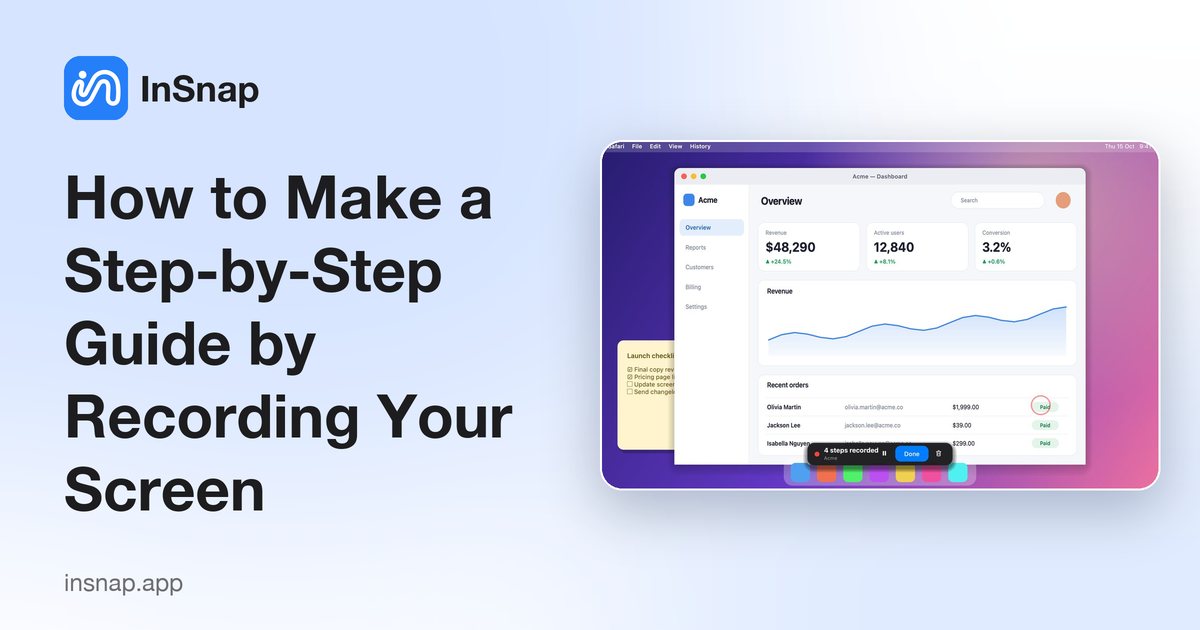
Turn a task into a how-to guide with screenshots and titles by simply doing it once. Record, edit the steps, and export to PDF, Word, PowerPoint, HTML or Markdown.
Writing a how-to by hand means taking a screenshot after every click, cropping it, adding arrows and typing a caption. A faster way is to do the task once and let the tool capture each step.
The idea
You start a guide recording, do the task as you normally would, and stop. Every click becomes a step: a screenshot of the screen as it looked just before the click, a marker on what you clicked, and a title taken from the button or field name. Then you edit the result like a document.
Record a guide with InSnap
- Start a guide recording from the InSnap icon in the menu bar or system tray, or with a hotkey you set in Settings › Hotkeys. Choose whether to record the whole screen, one app, or a region.
- Do the task. Each click, or a key you choose, adds a step. Double-clicks are merged and drags are ignored, so you do not get duplicates.
- Stop the recording. The guide opens in the editor.
Edit it like a document
- Titles are generated from button and field names such as "Click Save". Rename any of them and add a description.
- Reorder steps by dragging, hide a step without deleting it, or add text-only steps between screenshots.
- Sub-steps, tips and warnings let you structure longer procedures.
- Annotate each screenshot with arrows, boxes and mosaic, and blur a sensitive area across all steps at once.
- Crop a screenshot to the part that matters.
Export where your readers are
Export the guide to PDF, Word, PowerPoint, HTML, Markdown, SCORM 1.2 (for a learning system) or JSON, with an optional cover page. Everything happens on your computer.
Guides are a Pro feature (a one-time $15 purchase with no subscription).
Tips for a guide people can follow
- Plan the path first and close unrelated windows and notifications.
- Move slowly and pause where the screen needs a moment to load.
- Rewrite titles to say what the reader should do, not just what you clicked.
- Blur personal data across every step before you share.
FAQ
How do I create a how-to guide quickly?
Record yourself doing the task once with a guide recorder. Each click becomes an annotated step that you can edit and export.
Can I export a guide to Word or PDF?
Yes. InSnap exports PDF, Word, PowerPoint, HTML, Markdown, SCORM 1.2 and JSON.
Does recording a guide upload my screen?
No. Guides are stored and processed on your computer. Files are uploaded only if you choose to share them with the optional InSnap Cloud.
More from the blog
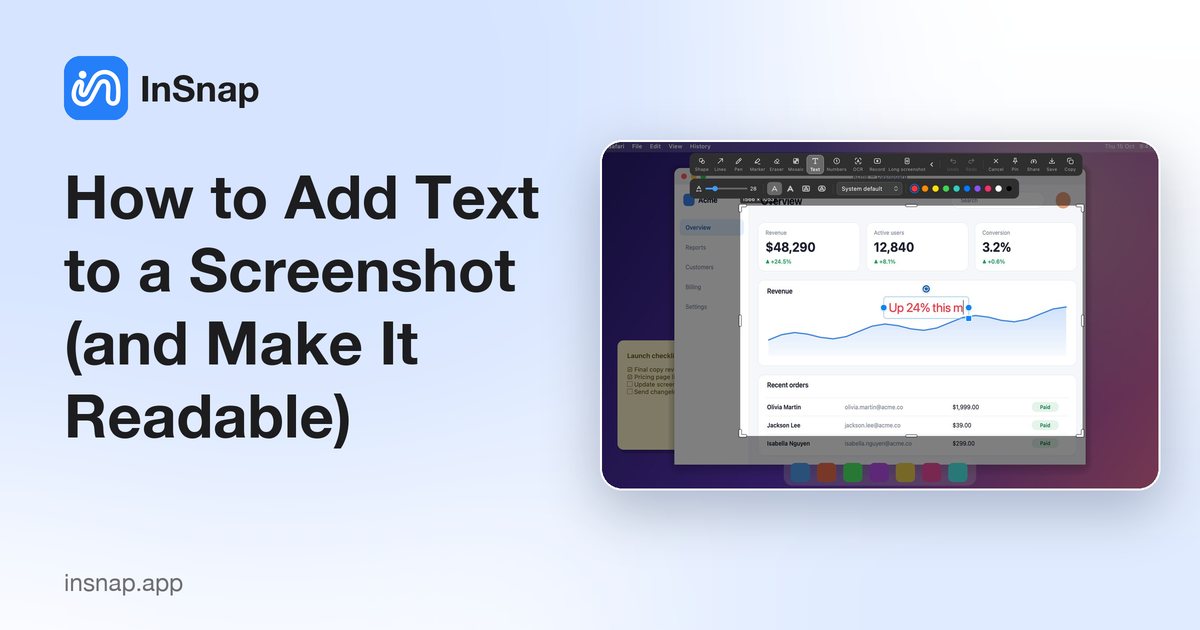
How to Add Text to a Screenshot (and Make It Readable)
Add labels, titles and callouts to a screenshot with readable contrast, the right size and clean placement — plus how to edit them later on Mac and Windows.
October 25, 2026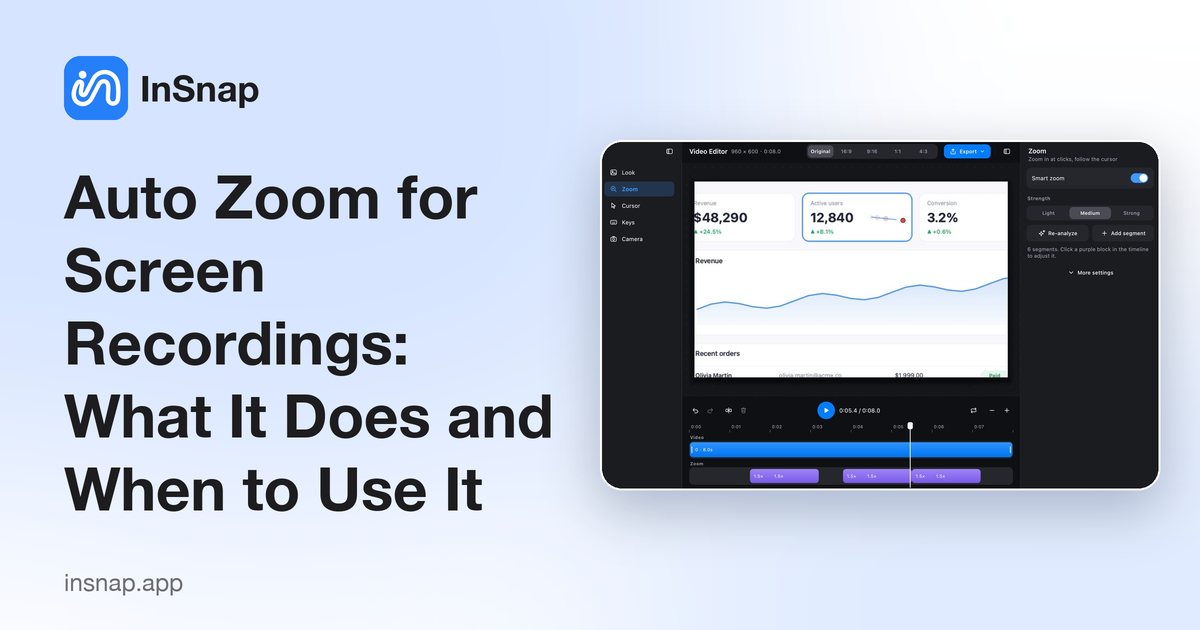
Auto Zoom for Screen Recordings: What It Does and When to Use It
How InSnap's auto zoom follows your clicks in a screen recording, how the strength settings change the result, and when a static recording is better.
October 25, 2026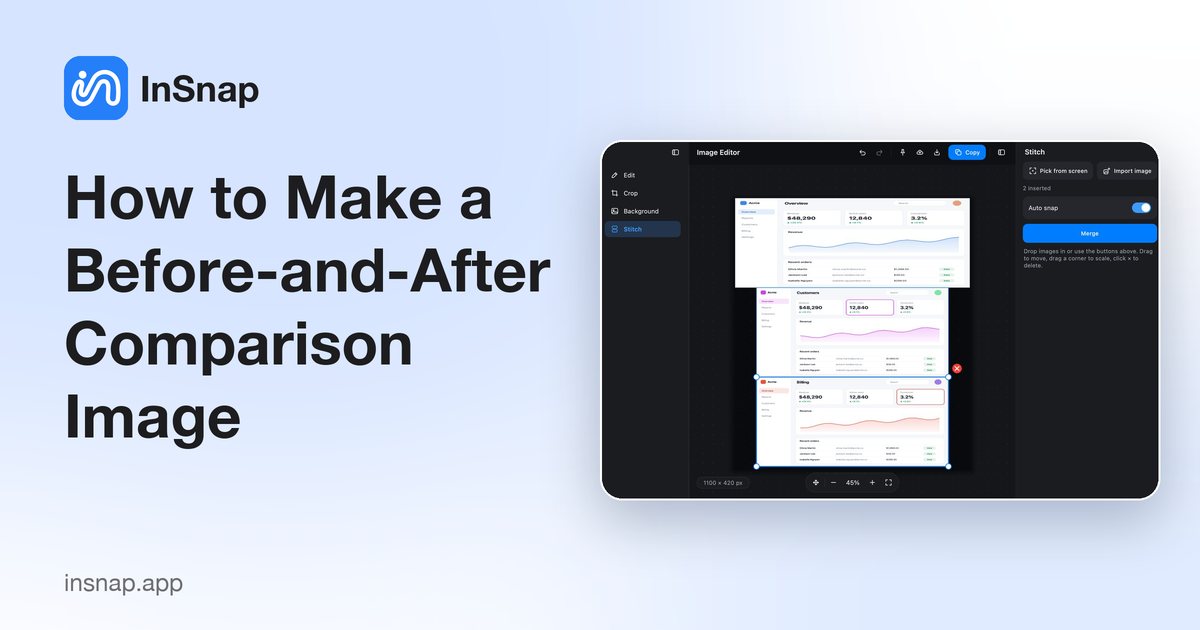
How to Make a Before-and-After Comparison Image
One image beats two attachments: capture both states at the same size, stitch them side by side, label them, and send a comparison the reader can scan.
October 25, 2026