 InSnap
Screenshot Hotkey Not Working? Fix It on Mac and Windows
If Command-1 or Ctrl+1 does nothing, the cause is usually a conflict, a changed setting or the app not running. A short checklist to get the shortcut back.
A global screenshot shortcut is one of those things you notice only when it stops working. The good news: in InSnap the cause is almost always visible in Settings, and the fix takes less than a minute. Work through these checks in order.
Check the basics first
- Is InSnap running? It lives in the menu bar on Mac and the notification area on Windows. If the icon is gone, the global shortcut cannot fire.
- Is the shortcut still assigned? Open Settings › Hotkeys and look at the Global hotkeys list. Out of the box, only two are set: Capture (Command-1 on Mac, Ctrl+1 on Windows) and Pin clipboard (Command-2 / Ctrl+2). Everything else is unset until you assign it.
- Is the toggle on? Each capture-screen shortcut has an on/off switch; a global hotkey with no combination is simply inactive.
The combination may belong to another app
Global hotkeys are a shared resource. If another app registered the same combination first, InSnap cannot take it, and the row in Settings reports This shortcut is already used by another app.
In that case:
- Click the shortcut field.
- Press a different combination — ideally something with three modifiers or a function key that fewer apps use.
- Confirm that the row turns from an error into the new combination.
InSnap also warns when two of its own actions share a combination: Conflicts with "Capture", for example. Fix the duplicate before wondering why one of the two never fires.

Command-1 is a popular shortcut
The default capture shortcut is convenient, but it is also the first-tab shortcut in many browsers. While InSnap is running, its global hotkey takes priority, which is exactly what you want for capturing and exactly what you do not want when you are switching tabs.
If you use browser tab shortcuts all day, change the capture shortcut to something less contested — Command-Shift-1, for example — and keep the default for the rare occasion you need it. The same applies to Command-2, which many apps use for the second tab.
On Windows, InSnap takes the combination over outright: even if another app has set the same one, pressing it triggers InSnap. That makes conflicts less likely, but it also means an aggressive shortcut can surprise you; pick one you are happy to give up.
Global versus in-capture shortcuts
Two different sets of shortcuts exist, and mixing them up sends people looking in the wrong place:
- Global hotkeys work anywhere: they open the capture overlay, pin the clipboard, start a recording, and so on. They are configured in Settings › Hotkeys.
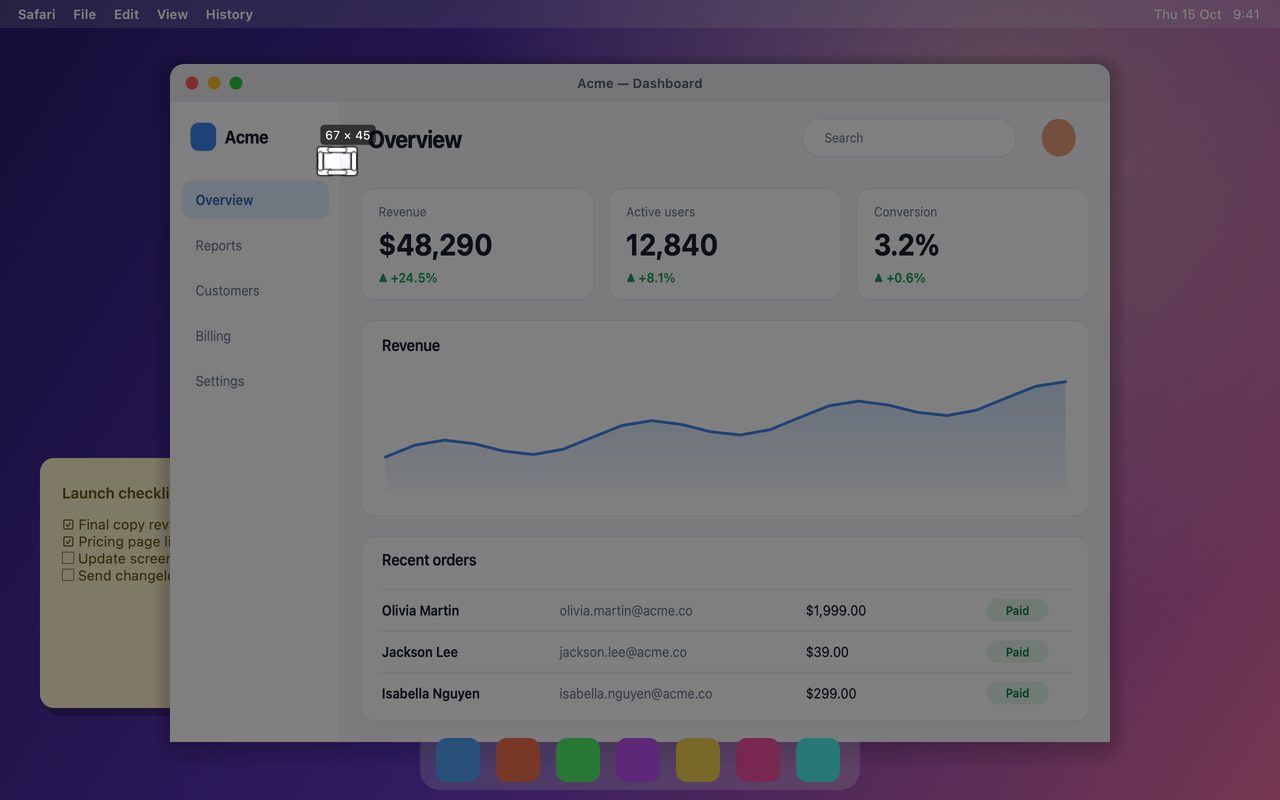
- Capture-screen shortcuts work only while the overlay is open: select the full screen, copy, save, pin, undo. They are configured further down the same page, and each has its own switch.
If the overlay opens but Command-C does nothing, the global hotkey is fine; the in-capture shortcut is disabled or reassigned.
Reset to a known-good state
When nothing else works:
- Set Capture back to Command-1 (Ctrl+1) and make sure the row shows no error.
- Quit InSnap completely and reopen it. On Mac, use the menu bar's Quit command rather than closing a window.
- Try the shortcut in a different app, with no full-screen video or game in front.
If the shortcut works again, the original combination was the problem. If it still does not, check whether another utility that also manages hotkeys (window managers, clipboard tools, automation apps) is intercepting it.
FAQ
Why does Command-1 switch browser tabs instead of opening InSnap?
Either InSnap is not running, the Capture shortcut was changed or disabled, or another app registered Command-1 first. Open Settings › Hotkeys and check the Capture row for a conflict message.
Do I need to restart InSnap after changing a hotkey?
No. Global hotkeys are registered as soon as you confirm the new combination, and the old one is released. A restart is only useful when you are diagnosing a conflict.
Can two apps use the same global shortcut?
Not at the same time. The first app to register it usually keeps it; InSnap reports the conflict rather than silently doing nothing. On Windows, InSnap's keyboard hook takes priority, so the other app may stop receiving the combination while InSnap runs.
More from the blog

How to Add Text to a Screenshot (and Make It Readable)
Add labels, titles and callouts to a screenshot with readable contrast, the right size and clean placement — plus how to edit them later on Mac and Windows.
October 25, 2026
Auto Zoom for Screen Recordings: What It Does and When to Use It
How InSnap's auto zoom follows your clicks in a screen recording, how the strength settings change the result, and when a static recording is better.
October 25, 2026
How to Make a Before-and-After Comparison Image
One image beats two attachments: capture both states at the same size, stitch them side by side, label them, and send a comparison the reader can scan.
October 25, 2026